Do you need a bike computer as a beginner?
Decide between no display, a basic cycle computer, your phone, and a GPS bike computer by identifying the job you actually need it to do.
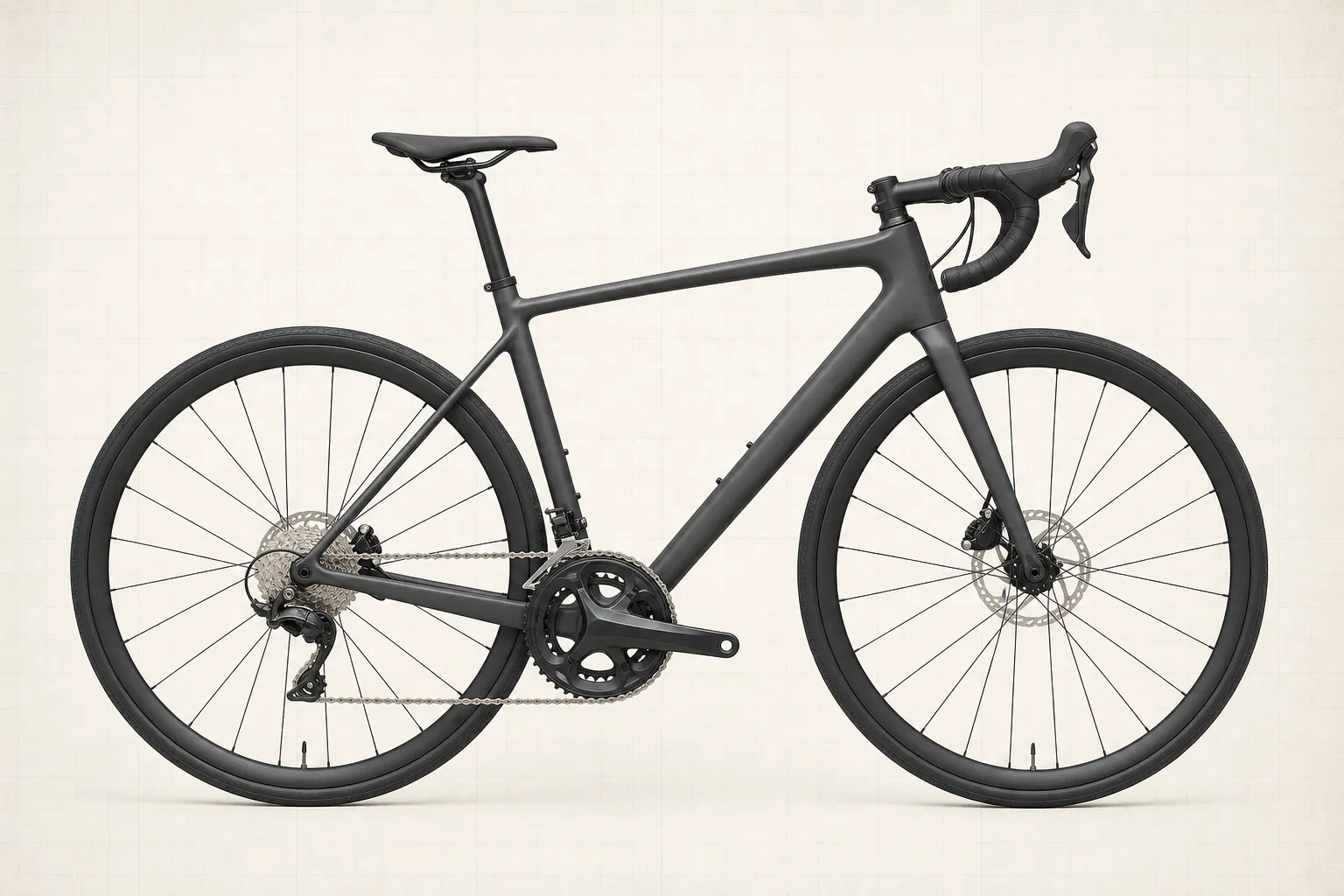 Field guide / do-you-need-bike-computer-beginner
Before you buy
Check the starter kit first
Print the one-page buying brief for helmet, lights, water, phone, and repair compatibility before comparing upgrades.
Most beginners do not need a bike computer. Buy one when it solves a repeated problem—usually navigation, phone-battery protection, an easy-to-read ride display, or sensor recording—not because a road bike looks unfinished without it.
The short answer: use your first rides to define the job. Choose no display if you only want a record afterward, a simple wheel-sensor computer for live speed and distance, or a GPS computer when dependable on-bike navigation and longer battery life matter. Do not pay for training features you cannot yet explain.
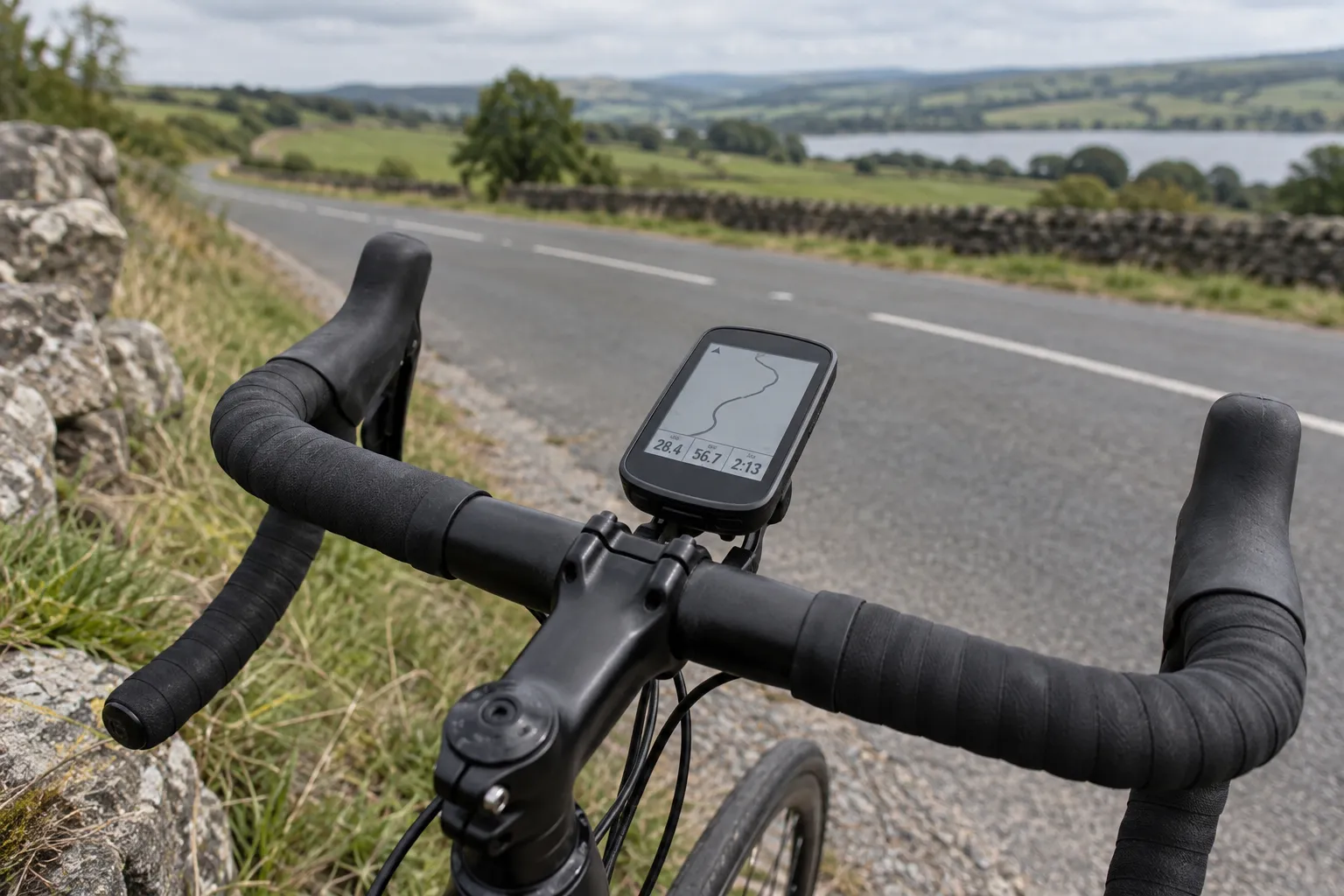
Start with the job, not a model
Recent cycling discussions ask both whether a computer is worth buying at all and whether a cheap GPS unit is enough for speed, distance, and elevation. Those are different questions. Write down what must improve on your next five rides:
- I get lost or stop repeatedly to check turns. Prioritise clear navigation, rerouting behaviour, offline maps, and route loading.
- I want speed and distance visible. A basic sensor computer or simple GPS unit can do this without mapping.
- My phone battery becomes a rescue risk. A separate computer can preserve the phone, but only if its own tested runtime covers the ride.
- I want a ride record. A phone or watch in a pocket may already be enough.
- I want training data. First identify which decision cadence, heart rate, or power will change.
If no problem repeats, keep riding. The money may be more useful for a reliable pump, lights, suitable clothing, or a first service. Our guide to cycling gear you can safely postpone puts those priorities in order.
Choose the simplest of four setups
No handlebar display
You can ride a known route, follow signs, carry a written cue sheet, or record with a phone or watch out of sight. This is the least distracting and costs nothing. It is a strong starting point for short familiar rides.
Basic wheel-sensor computer
A small wired or wireless unit can show speed, distance, and elapsed time. It generally requires entering the correct wheel circumference and mounting a magnet or sensor. It is a good fit when you want immediate numbers but not mapping or phone synchronisation.
Phone on the handlebar
A phone offers familiar maps and flexible route changes. The tradeoffs are battery drain, weather and impact exposure, screen visibility, notifications, heat, mounting security, and the loss of your main communication tool if it is damaged or discharged.
For an occasional short navigation ride, a secure compatible mount and an offline map may be enough. Keep the screen simple, disable distracting notifications, and stop before interacting with it.
Dedicated GPS bike computer
A dedicated unit becomes compelling for frequent navigation, long rides, rain, sensor pairing, or a display designed to stay visible while riding. Manufacturer battery figures need context: Garmin notes that GPS mode, navigation, backlighting, phone connections, sensors, and alerts all affect runtime. Compare realistic use, not only the largest number on a product page.
Buy navigation by testing navigation
“Has maps” is not a complete requirement. Before buying, check:
- Can you create or import the route format you use?
- Does it store the route and map offline?
- Are turn prompts early and unambiguous at your normal speed?
- What happens after a missed turn: warning, breadcrumb, or automatic reroute?
- Can you zoom or inspect an unclear junction without complicated menus?
- Can the device navigate for the full ride with your chosen screen and sensors?
- Can you still find home if the device fails?
Read how to plan your first road-cycling route before assuming a screen can make an unsuitable road safe.
Do not buy sensors by default
GPS computers often support cadence, heart-rate, power, electronic-shifting, or rear-radar sensors. Compatibility does not mean necessity.
- Add cadence if you are working on gear selection or a coach asks for it.
- Add heart rate if you understand its lag and day-to-day variation and have a training use for it.
- Add power for structured pacing or training after you have a plan for the data.
- Add rear radar only after understanding what it can and cannot detect; it does not replace looking and listening. See whether rear bike radar is worth it.
Each sensor adds batteries, pairing, screens, and another failure mode. Start with the minimum.
Check the hidden costs and support
The checkout price may not include the mount position you want, a tether, sensors, charging cable, protective case, mapping region, or subscription features. For a used device, check battery condition, charging-port damage, button operation, factory-reset access, map availability, and whether the maker still supplies firmware and app support.
Mount compatibility matters too. Confirm the handlebar diameter, available space, quarter-turn or proprietary interface, and whether a front light occupies the same position. The display must not interfere with cables, controls, a handlebar bag, or your normal hand positions.
Use fewer data fields while moving
Start with three or four items: route or next turn, elapsed time, distance, and perhaps current speed. Put secondary totals on another page. A display should reduce decisions, not invite constant inspection.
Average speed is especially noisy because wind, hills, junctions, surface, and route choice change it. Read why average speed is a poor beginner scoreboard before building every ride around it.
Your next step
Ride three times without buying anything. After each ride, write down the one information problem that mattered. If the same problem appears twice, choose the least complex setup that solves it and test that setup on a familiar route before depending on it farther from home.
Sources and further reading
- Garmin Support: features and settings that affect bike-computer battery life
- Wahoo Support: ELEMNT computer mounting, battery, and phone-use information
- r/cycling reader context: whether a bike computer is worth buying
- r/cycling reader context: demand for a simple speed-and-distance GPS computer
- r/cycling reader context: prioritising gear when getting into cycling
Reddit discussions were used to identify the question, not to verify product performance. No usernames or personal stories are reproduced here.